
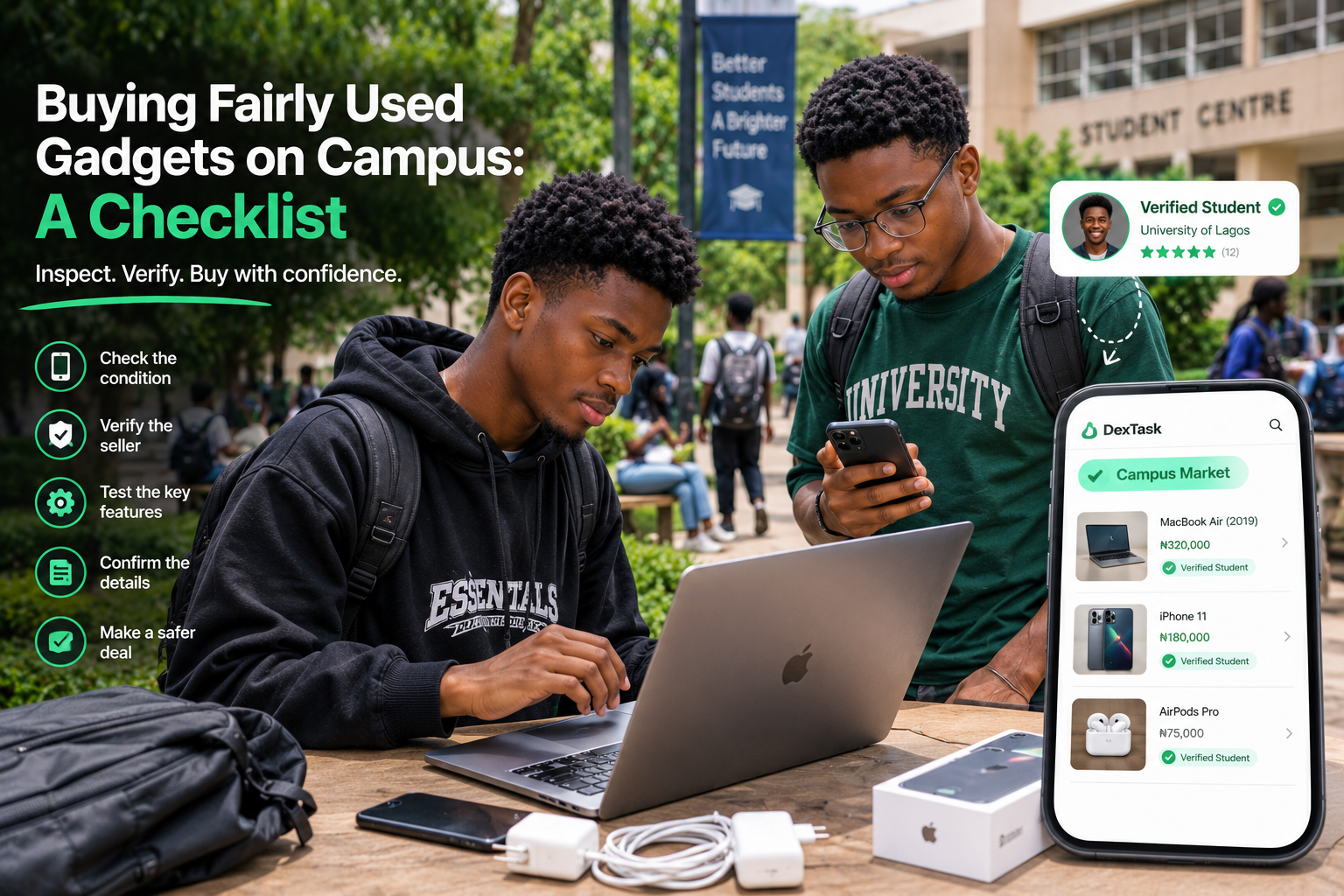
Buying Fairly Used Gadgets on Campus: A Checklist
Buying a fairly used gadget can be a smart choice when you're a student.
Maybe you need a laptop for coding but a new one is outside your budget. Maybe your phone has started acting up, or you simply want a tablet, smartwatch or speaker without spending too much.
Campus marketplaces can have good deals, but don't let a low price make you skip the inspection.
Before you pay, check the gadget—not just how good the deal looks.
Before You Meet the Seller
Start with the basic questions.
Ask:
- How long have they used the gadget?
- Why are they selling it?
- Has it been repaired before?
- Are there any faults?
- What accessories come with it?
- Is the original charger included?
- Is there any remaining warranty, where applicable?
You should also compare the asking price with similar gadgets.
A very low price isn't automatically a scam, but it is a good reason to ask more questions.
The Fairly Used Gadget Checklist
When you meet the seller, give yourself enough time to test the device.
1. Inspect the Physical Condition
Look carefully for:
- Cracked screens
- Deep scratches
- Dents
- Damaged buttons
- Loose parts
- Signs of liquid damage
- Damage around charging ports
- Unusual gaps or missing screws
Some wear is normal for a fairly used gadget. What matters is whether the condition matches the seller's description and the price.
2. Test the Screen
For phones, tablets and touchscreen laptops, check for:
- Dead pixels
- Lines across the display
- Flickering
- Unusual colour changes
- Areas where touch doesn't respond
Don't just check the lock screen. Open different apps and interact with the display.
3. Test the Buttons, Ports and Charger
Test the features you'll actually use.
For phones, check the power and volume buttons.
For laptops, test the keyboard, trackpad and available ports.
Plug in the charger and make sure the device charges normally. If the charging connection only works at a particular angle, that's worth investigating.
4. Check the Camera, Speaker and Microphone
Take a few pictures with the camera and test the front and back cameras where applicable.
Play some audio through the speakers.
You can also record a short voice note or video to check the microphone.
These are easy things to overlook when you're excited about getting a good deal.
5. Check the Battery
Battery performance is particularly important for used phones and laptops.
If the device provides battery-health information, check it.
You should also watch how the battery behaves while you're testing the device.
Don't rely entirely on a seller's statement that the battery is “very strong.”
6. Test Connectivity
Where possible, test:
- Wi-Fi
- Bluetooth
- Mobile network
- SIM functionality
- USB connections
For a phone, making a quick test call can also confirm that the basic network functions work.
Extra Checks for Used Phones
Phones have a few additional things worth checking before you complete the purchase.
Check the IMEI
Check the phone's IMEI number and compare it with the number displayed on the device, where applicable.
If the phone has multiple IMEIs, check the relevant numbers as well.
You can also ask for proof of purchase or other documentation if the seller has it.
Check Account Locks
Before taking ownership, make sure the previous owner's accounts have been properly removed.
The seller should sign out and reset the device so that you can set it up with your own account.
The exact process varies by phone and operating system.
Extra Checks for Used Laptops
If you're buying a laptop for schoolwork, coding or projects, don't stop at the laptop's appearance.
Test the Keyboard and Trackpad
Open a text editor and type using different keys.
Check that the trackpad responds properly and that the buttons work as expected.
Check the RAM and Storage
Confirm the laptop's actual RAM and storage from its system information.
Don't rely only on the specification written in the seller's advert.
Two laptops with similar appearances can have very different specifications.
Test the Charger
Make sure the charger is compatible and that the laptop charges properly.
If the charger is damaged or unreliable, factor the cost of replacing it into your decision.
**Don't Forget the Accessories ** Sometimes the gadget itself is fine, but the accessories are the problem.
Check whether you're getting:
- Charger
- Charging cable
- Adapter
- Case
- Original box
- Other accessories advertised with the item
If something was included in the listing but isn't available when you meet the seller, clarify it before agreeing to the final price.
Agree on the Condition and Price
Once you've inspected the gadget, make sure the final price reflects what you've found.
For example, if you discover a noticeable scratch that wasn't mentioned in the listing, you can discuss whether the price should change.
It's better to settle these details before payment than to argue about them afterwards.
How to Handle the Transaction
If you're buying through a student marketplace, check what payment and transaction features are available.
**DexTask's Campus Market **gives students a dedicated space to buy and sell with other students, with escrow included in its marketplace transactions.
If escrow is being used, understand the platform's process for funding the transaction, completing the exchange and releasing payment.
Keep your transaction records until everything is settled.
If you're the seller, remember that a payment screenshot isn't confirmation that money has entered your account. Check your own account before handing over the gadget.
A Quick Checklist Before You Pay
Seller & listing
- Seller information checked
- Reason for selling discussed
- Gadget's history and condition confirmed
- Price compared with similar listings
Physical condition
- Screen checked
- Body inspected
- Buttons tested
- Ports tested
- Charger tested
Performance
- Camera tested
- Speakers tested
- Microphone tested
- Wi-Fi tested
- Bluetooth tested
- Battery checked
For phones
- IMEI checked
- Previous owner's accounts removed
- Device reset and ready for setup
For laptops
- Keyboard tested
- Trackpad tested
- RAM confirmed
- Storage confirmed
- Charger tested
Transaction
- Final price agreed
- Accessories confirmed
- Payment process understood
- Transaction records saved
What If You Find a Problem Afterwards?
Even after a careful inspection, you might notice an issue later.
Keep the original listing, relevant messages, payment records and any photos or videos from the transaction.
If the purchase was made through a platform with a dispute process, follow its stated procedure and provide the relevant records.
This is another reason not to delete your transaction details immediately after buying the gadget.
Final Thoughts
A fairly used gadget can be a great way to get what you need without paying the full price of a new one.
The trick is knowing what you're paying for.
Don't judge a phone by its camera quality alone or a laptop by how clean it looks. Test the important features, confirm the specifications, check the accessories and make sure the final price matches the condition.
Whether you're buying your first laptop for CSC practicals or replacing a phone that's becoming unreliable, this checklist can help you make a more informed decision.
And if you're searching for fairly used gadgets from fellow students, a dedicated student marketplace can make the process easier to organise.
Looking for fairly used items on campus? Explore DexTask's Campus Market and find products listed within a student-focused marketplace.
Written by
Blessing Ajayi · DexTask
Publisher: DexTask
Published on the DexTask blog covering campus mobility, student infrastructure, and product updates across Nigeria and Africa.
Related posts
Why Verified Student Communities Are Safer for Trading
Trading with fellow students can be convenient, but how do you know who you're dealing with? Here's why verified student communities can make buying and selling on campus safer.
Buying & Selling Safely on Campus: Avoiding “WhatsApp Status” Scams
Buying and selling on campus can save you money—or cost you if you’re not careful. Learn how to spot WhatsApp Status scams, verify buyers and sellers, and make safer campus transactions.
Resolving Payment Disputes for Campus Work
A campus gig doesn't always go exactly as planned. Learn what to do when a client or freelancer disagrees about payment, deliverables or completed work.