
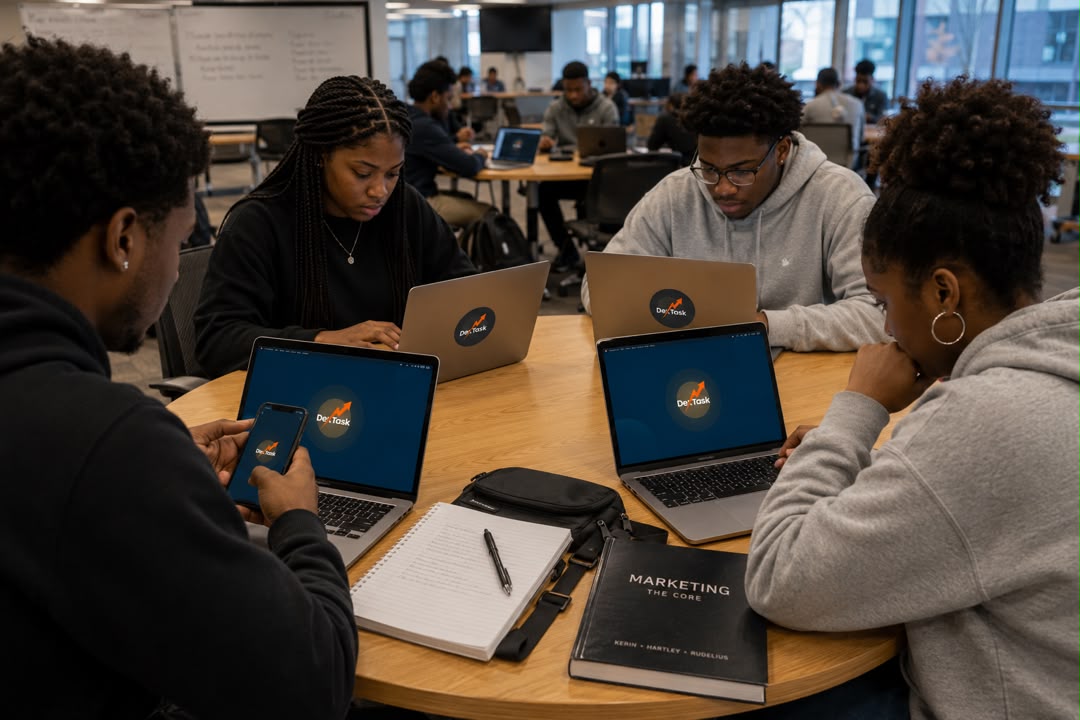
Getting Started with DexTask: Your Complete Guide to FUTA Mail & Student Verification
Welcome to DexTask!
DexTask is built exclusively for students, making it easier to access campus opportunities, connect with trusted users, and enjoy a secure platform. To ensure every user is a verified student, DexTask uses your official FUTA student email (FUTA Mail) during registration.
If you don't have your FUTA email yet or you're unsure how to use it, don't worry—this guide will walk you through everything you need to know.
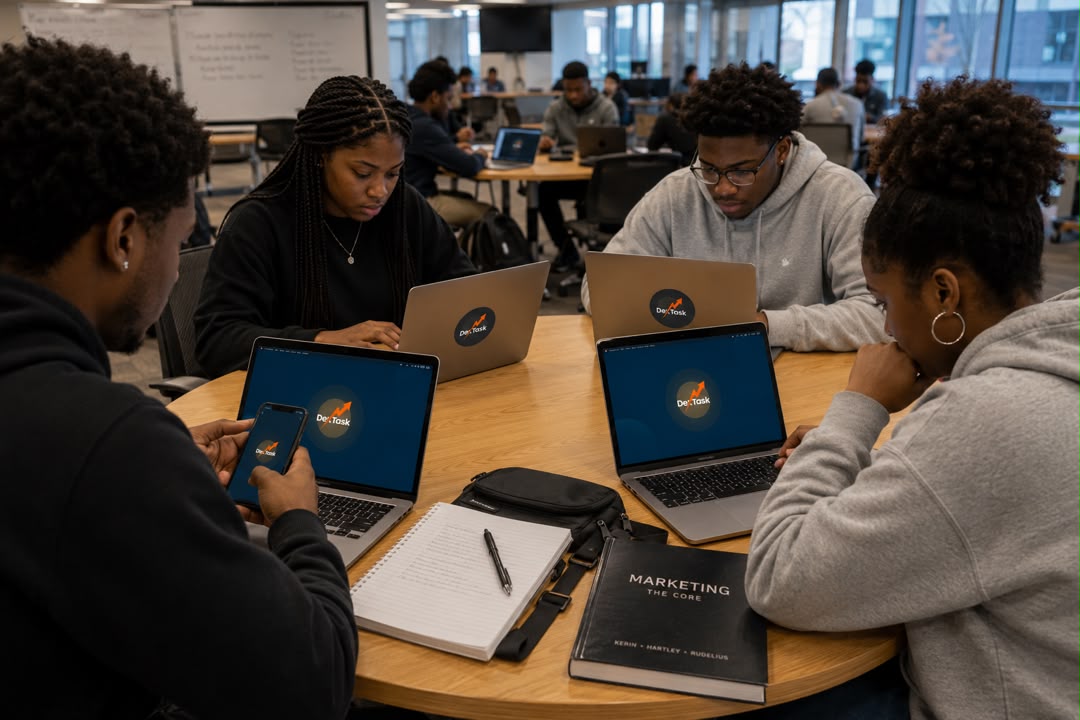
Why Choose DexTask?
With DexTask you can:
Find trusted campus services
Connect with verified FUTA students
Access campus transportation
Discover gigs and errands
Buy and sell safely
Stay informed about campus activities
Why Does DexTask Require FUTA Mail?
Your FUTA Mail helps us verify that you're a genuine student. Using your school email allows DexTask to:
Verify student identity securely
Prevent fake accounts
Build a trusted student community
Improve safety for buyers, sellers, riders, and service providers
What is FUTA Mail?
FUTA Mail is your official university email account powered by Microsoft Outlook. It serves as your digital identity within the university and provides access to various academic and institutional services. (ata.futa.edu.ng)
Benefits of Having a FUTA Mail
Your FUTA email is useful far beyond DexTask.
Academic Benefits
Receive official announcements
Communicate with lecturers
Access university notices
Microsoft Services
Outlook Email
Microsoft Office Online
OneDrive cloud storage
Microsoft Teams (where applicable)
Student Opportunities
Your FUTA email can help you access:
Student discounts
Software offers
Educational platforms
Internship opportunities
Student communities
Research resources
How to Obtain Your FUTA Mail
If you haven't received your FUTA Mail credentials yet, follow these simple steps:
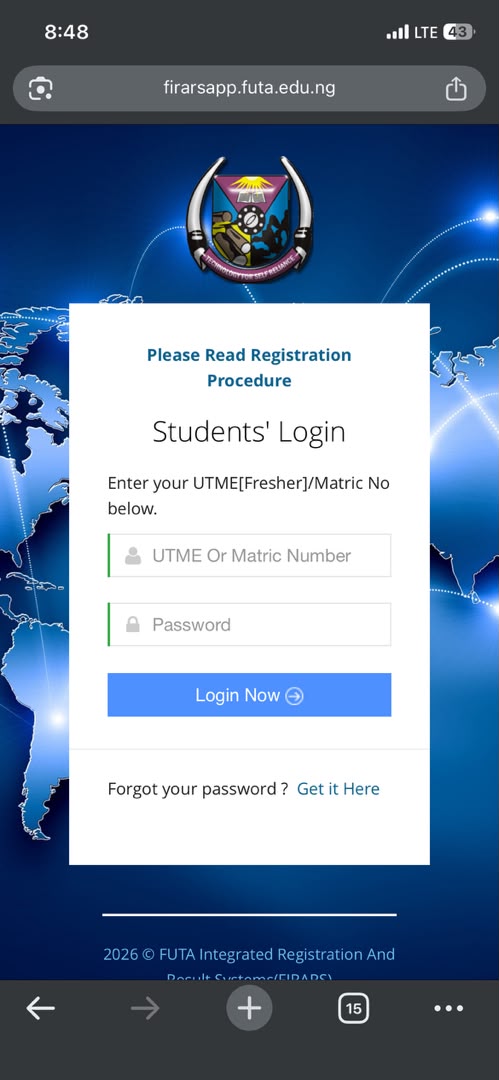
Step 1: Open the School Registration Portal
Log in to your FUTA School Registration Portal using your student credentials.
Step 2: Scroll Down the Home Page
After logging in, scroll down on the portal's homepage until you locate the FUTA Email section.
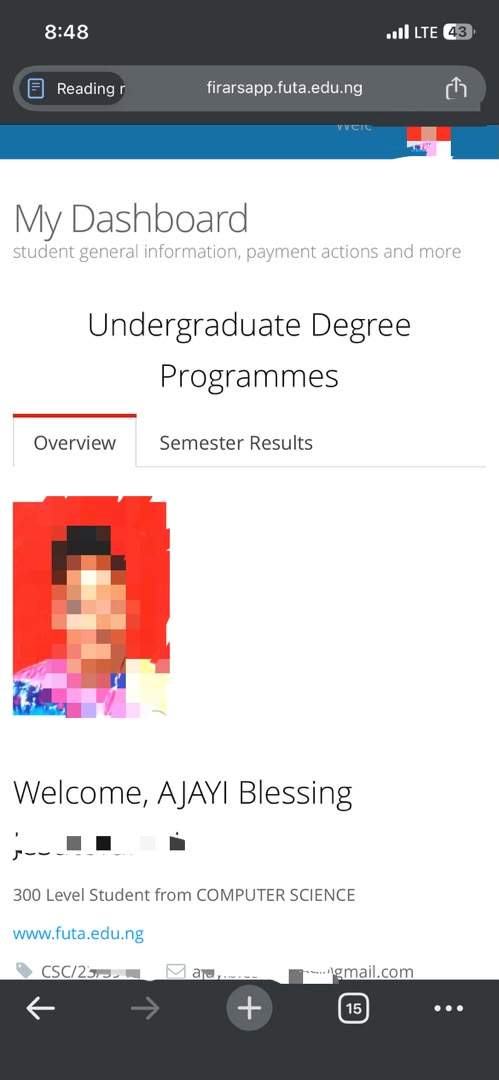
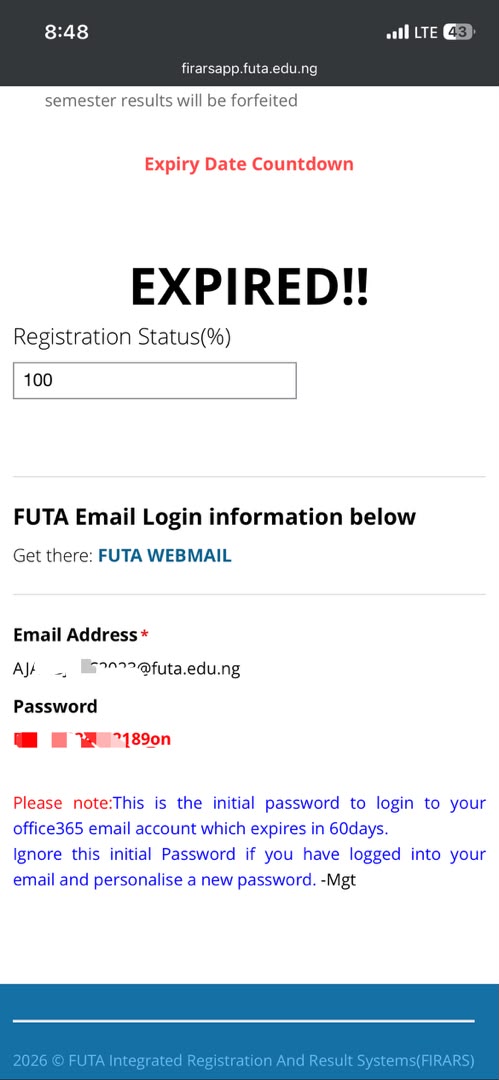
Step 3: Copy Your Email and Password You'll find:
Your official FUTA email address
A temporary password
Copy both the email address and password.
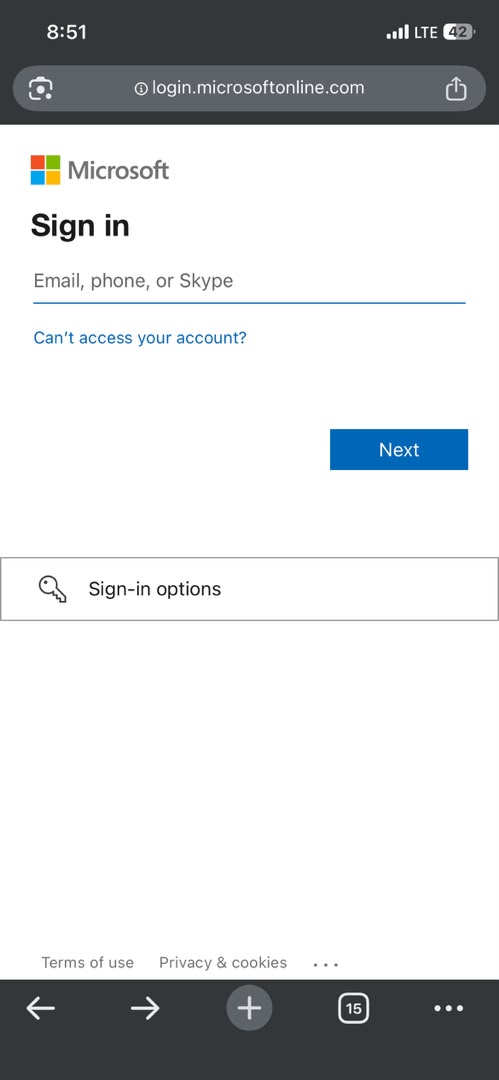
Next, click on the FUTA Webmail link. This will redirect you to the Microsoft Outlook Web login page
Step 4: Sign In to Outlook
On the Outlook login page:
1.Enter your FUTA email address.
2.Click Next.
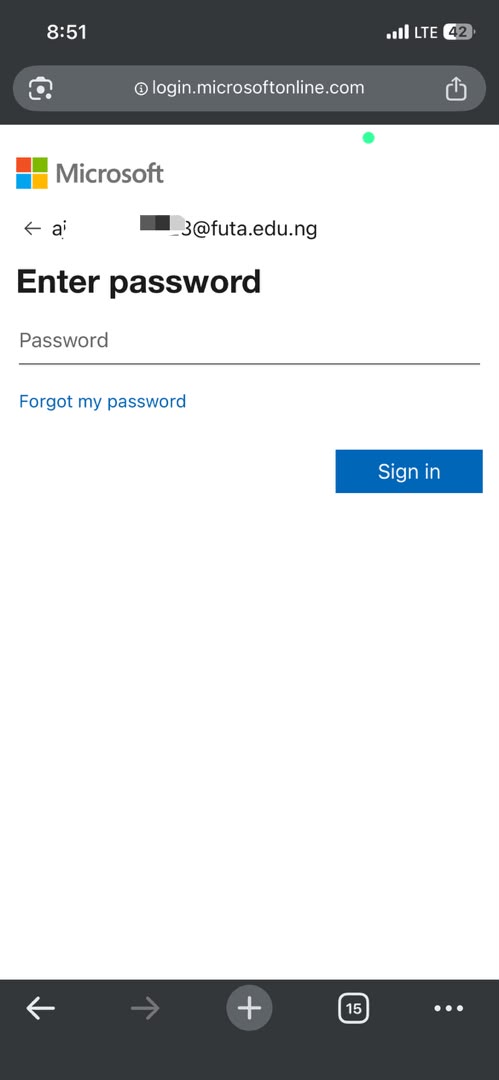
3.Enter the temporary password you copied from the portal.
4.Sign in to access your FUTA Mail.
Step 5: Change Your Password
For security reasons, it is strongly recommended that you change your temporary password after your first login. Choose a strong password that you can easily remember but is difficult for others to guess
What You Will Receive! Your FUTA Mail credentials include:
📧 Official FUTA email address
🔑 Temporary password
Your FUTA email serves as your official digital identity within the university and can be used to access university services, communicate with lecturers, verify your student status on platforms like DexTask, and enjoy student-exclusive opportunities.
Logging into Your FUTA Mail
1.Open Outlook Web Mail.
2.Enter your FUTA email.
3.Enter your password.
4.Complete any first-time setup.
5.Change your temporary password if prompted.
Registering on DexTask Using FUTA Mail Once your email is active:
Step 1:
Open the DexTask app.
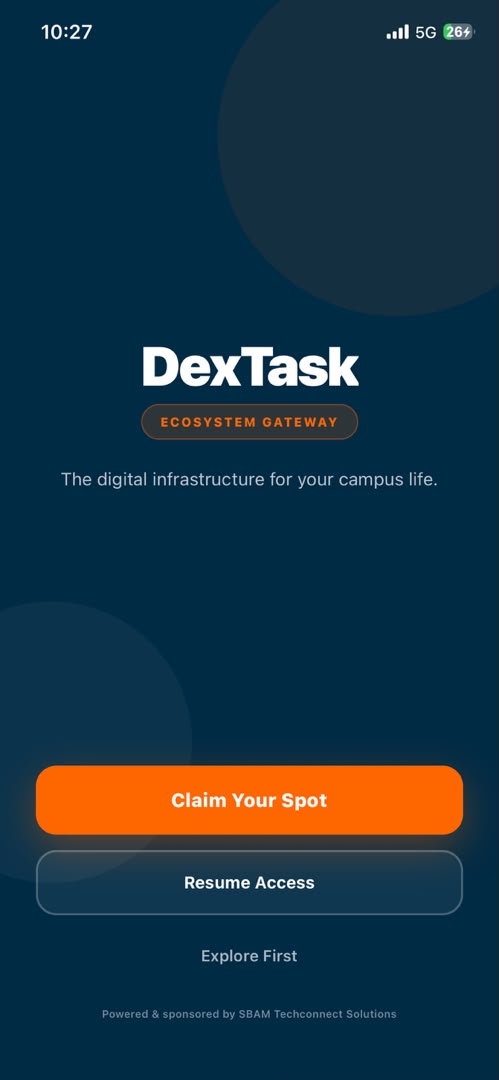
Step 2:Click Claim Your Spot.
Step 3: Enter FUTA Email
Step 4: Click Ship verification code.
Step 5: Check your FUTA mail for your verification code and input on the dextask app
Step 6: Open your dextask app notification You'll receive a verification message. Congratulations! Your student account is now verified.
Navigating Your DexTask Dashboard:
Once logged in, you'll see your dashboard.
Dashboard Overview
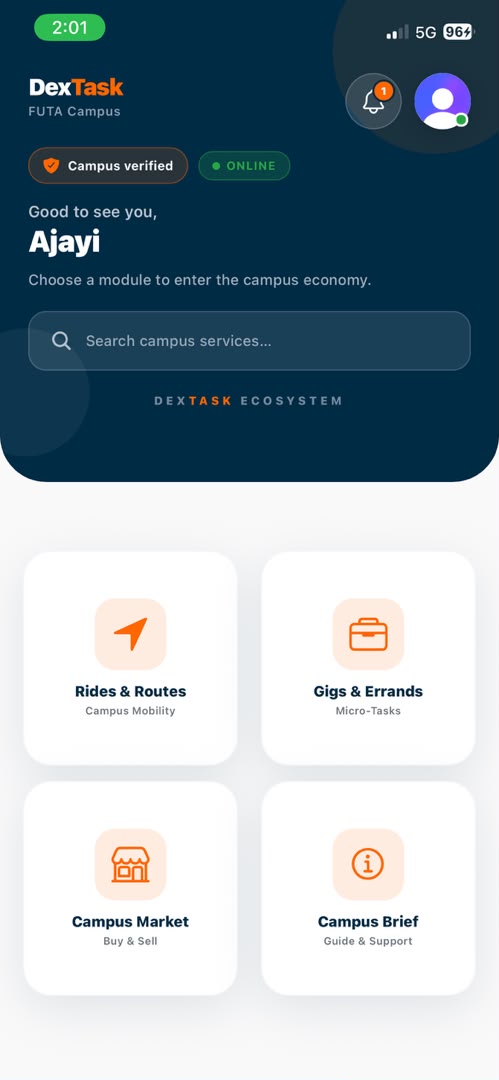
Home:
Rides and routes
Gigs & Errands
Campus market
Campus Brief
Profile Update:
Name
Phone Number
Profile Picture
Location
Verification Status
Here you can see:
✅ Campus verified
or
⏳ Verification Pending
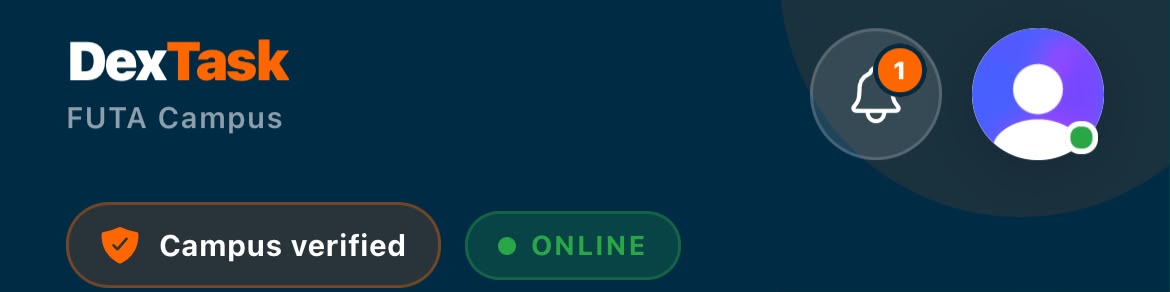
Notifications
Receive updates about:
Messages
Bookings
Services
Account alerts
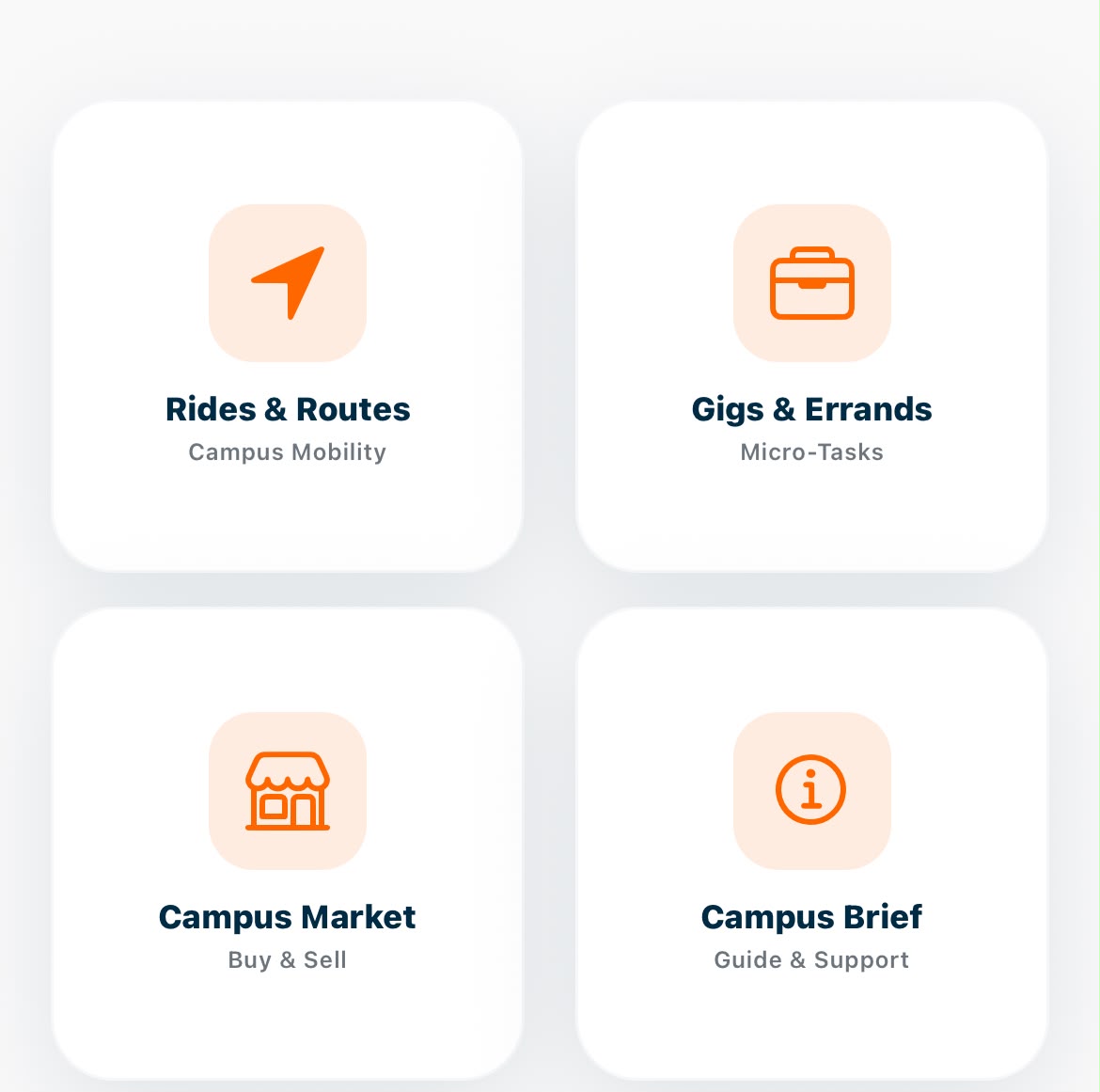
Services
Browse:
Campus gigs & errands
Rides & routes
Campus marketplace
Campus briefs
What If I Don't Receive My Verification Email?
Try these steps:
Check your Spam folder.
Wait a few minutes.
Confirm you entered the correct FUTA email.
Request another verification code.
Contact DexTask Support if the issue continues.
Frequently Asked Questions
-Can I register with Gmail?
No.
Only your verified FUTA Mail can be used for student verification.
-Can I change my email later?
If email changes are supported, contact DexTask Support.
-Is my information secure?
Yes.
Your FUTA email is used primarily to verify that you're a genuine student and to help maintain a trusted campus community.
Final Thoughts
Your FUTA Mail is more than just an email address—it's your digital student identity. Whether you're accessing university services, applying for opportunities, or joining DexTask, having your FUTA Mail ready makes everything smoother..
Ready to get started?
Activate your FUTA Mail, create your DexTask account, and become part of a trusted student community today.
Written by
Blessing Ajayi · DexTask
Publisher: DexTask
Published on the DexTask blog covering campus mobility, student infrastructure, and product updates across Nigeria and Africa.
Related posts
How to Move Around FUTA: Shuttle & Keke Fares Explained
Learn how to use DexTask Rides & Routes to find your way around FUTA, book a campus keke, check your fare, track your ride, and rate your operator.
How to Spot and Avoid Fake Off-Campus House Agents
Looking for a house outside campus? Learn how to identify fake agents, verify property listings, avoid suspicious payments and make safer accommodation decisions.
Resolving Payment Disputes for Campus Work
A campus gig doesn't always go exactly as planned. Learn what to do when a client or freelancer disagrees about payment, deliverables or completed work.